Guest Experience
Designing a Wedding Gallery That Feels Better to Use

When we think about a wedding gallery, we do not want it to feel like just another folder of photos.
A wedding is personal, and the way those photos are viewed should feel a little more considered too.
That is something we have been focusing on while improving the experience at It’s Forever, both for the guests viewing the photos and for the photographers managing them.
Making Access Feel Effortless
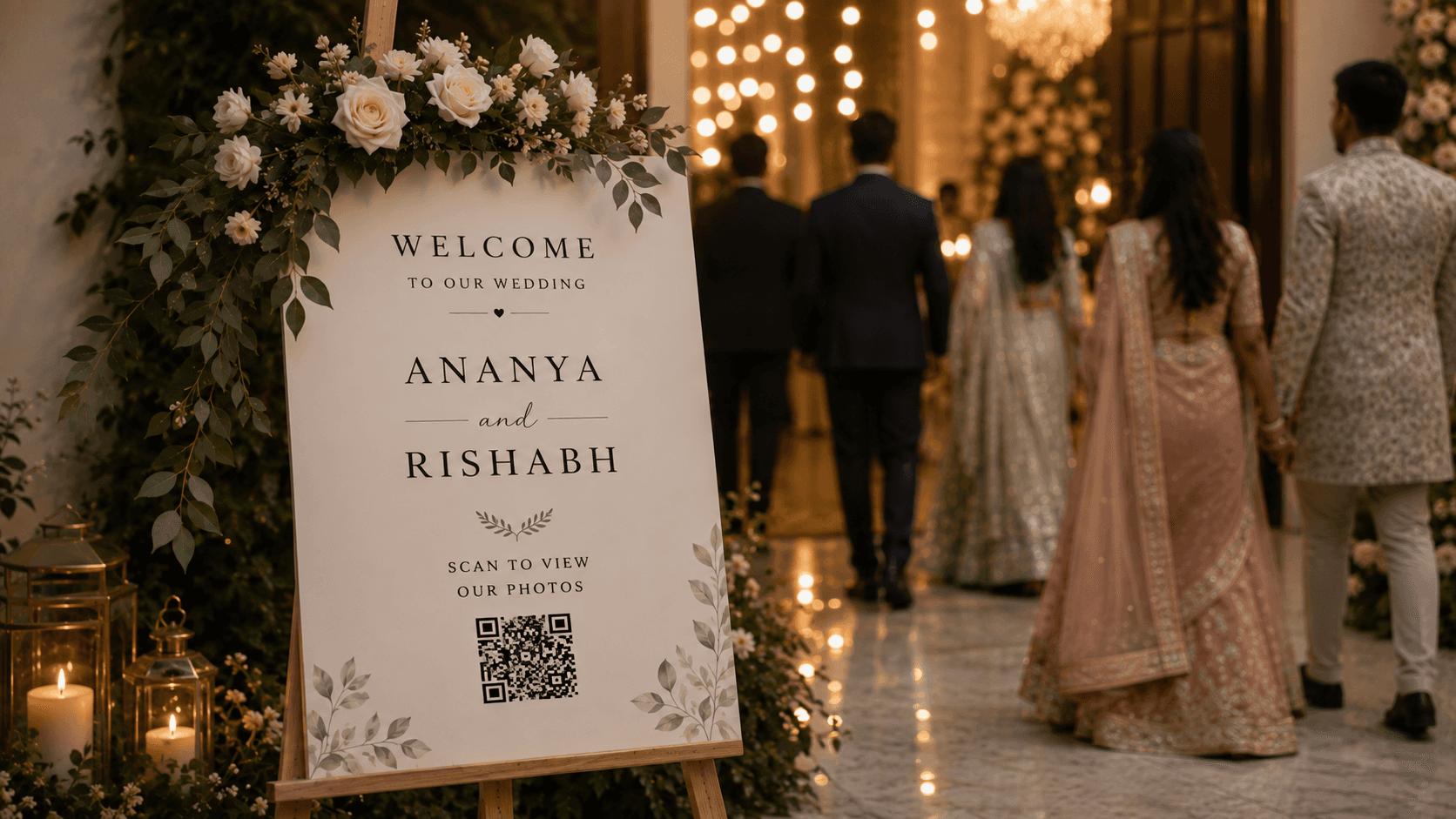
Earlier, guests had to scan a QR code, download an app, and then open the digital album.
We realised that was more effort than necessary.
Now, scanning the QR code opens the digital album directly in the browser. There is no app to download, and guests no longer have to go through a separate page asking whether they want to enter as a guest or host.
They simply scan and enter the gallery.
From there, they can browse normally or use AI Face Search to quickly find photos of themselves. The idea is to keep the experience simple enough that guests do not need instructions.
A Gallery Should Feel Like a Gallery
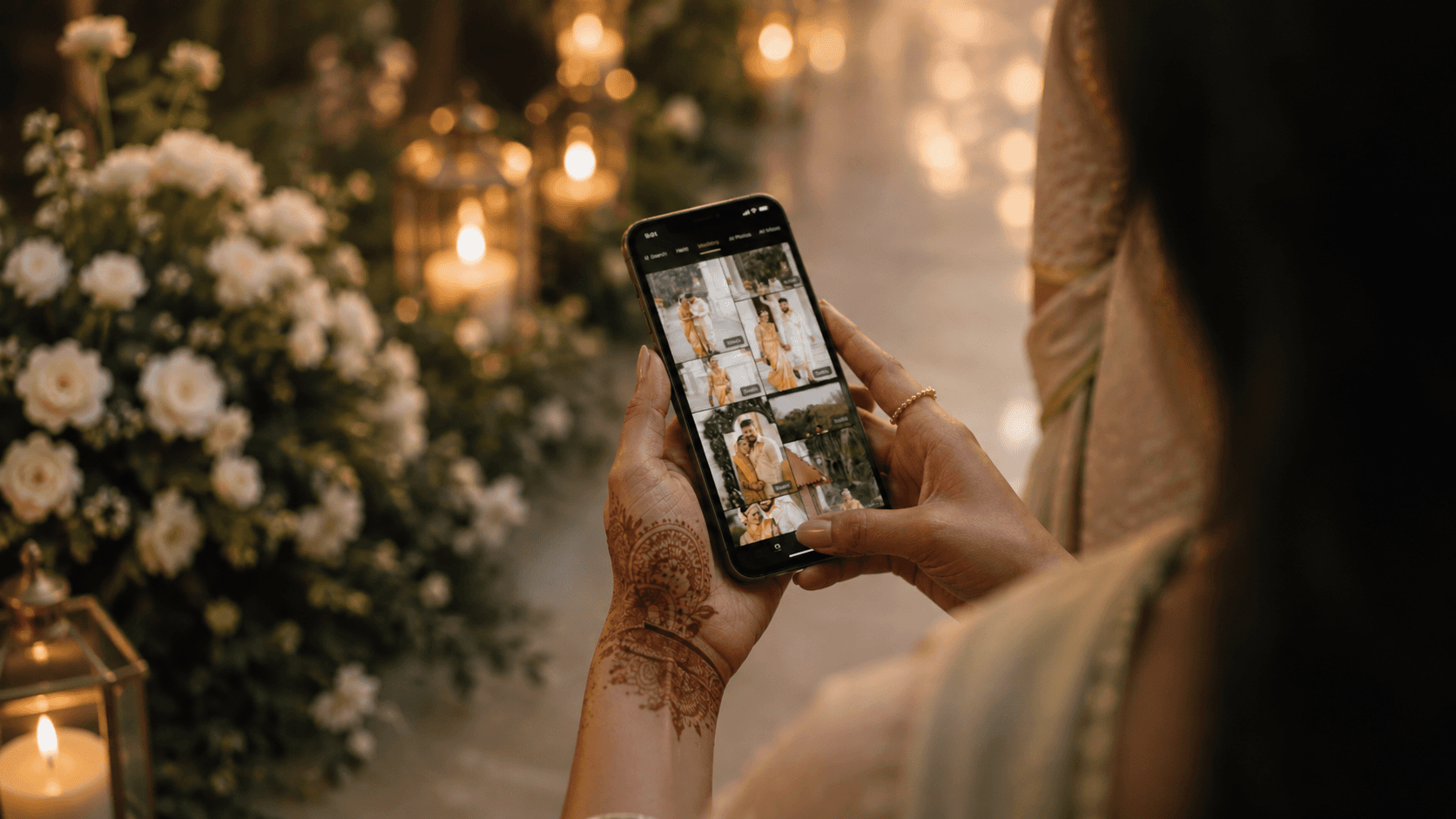
We have also been paying more attention to how the digital album actually looks.
Instead of treating it like a basic file-sharing page, we wanted the gallery itself to feel more elegant and suited to a wedding. That meant looking at things like typography, spacing, how photographs are placed, and how different layouts work across the album.
We now support multiple themes with different gallery styles, including mosaic and more conventional photo layouts. The layouts are designed to present images naturally without awkward cropping while still keeping the overall album visually balanced.
We have also introduced three new themes so photographers have more flexibility in how they present their work.
The goal is simple: it should feel more like a digital wedding album and less like opening a shared Google Drive folder.
Making the Photographer’s Workflow Easier Too
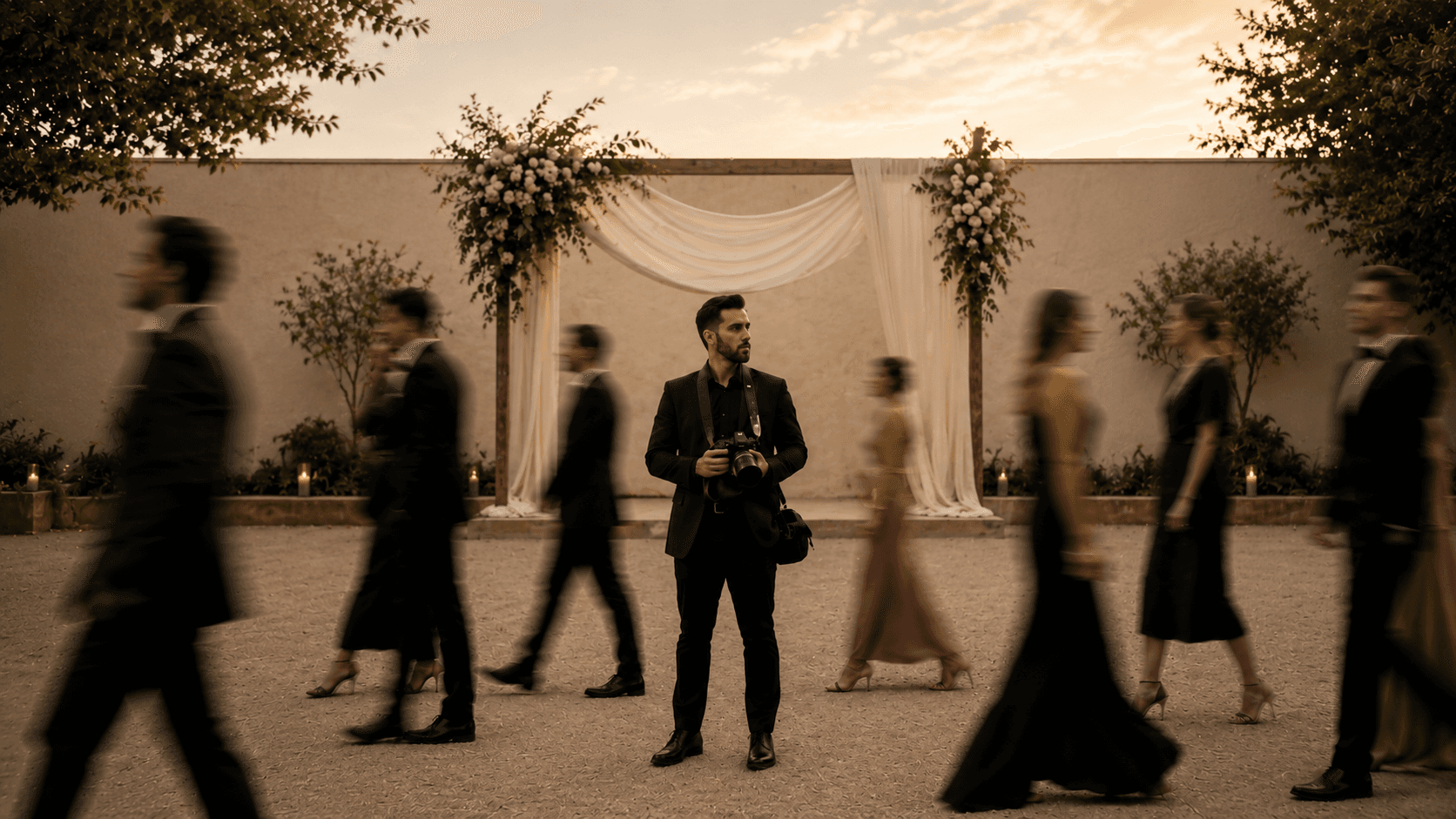
The experience behind the gallery matters just as much. One feature photographers frequently asked about was the ability to send photos directly from the camera during an event.
Using FTP transfer, supported cameras can now upload photos directly into the digital album as they are captured. Guests can then access those photos through the same gallery while the event is still happening.
Photographers and hosts also have a separate dashboard where they can organise photos into folders for different functions or days, such as the wedding, reception or after-party. Those folders appear as separate tabs, making large events much easier to browse.
From Digital Gallery to Physical Album
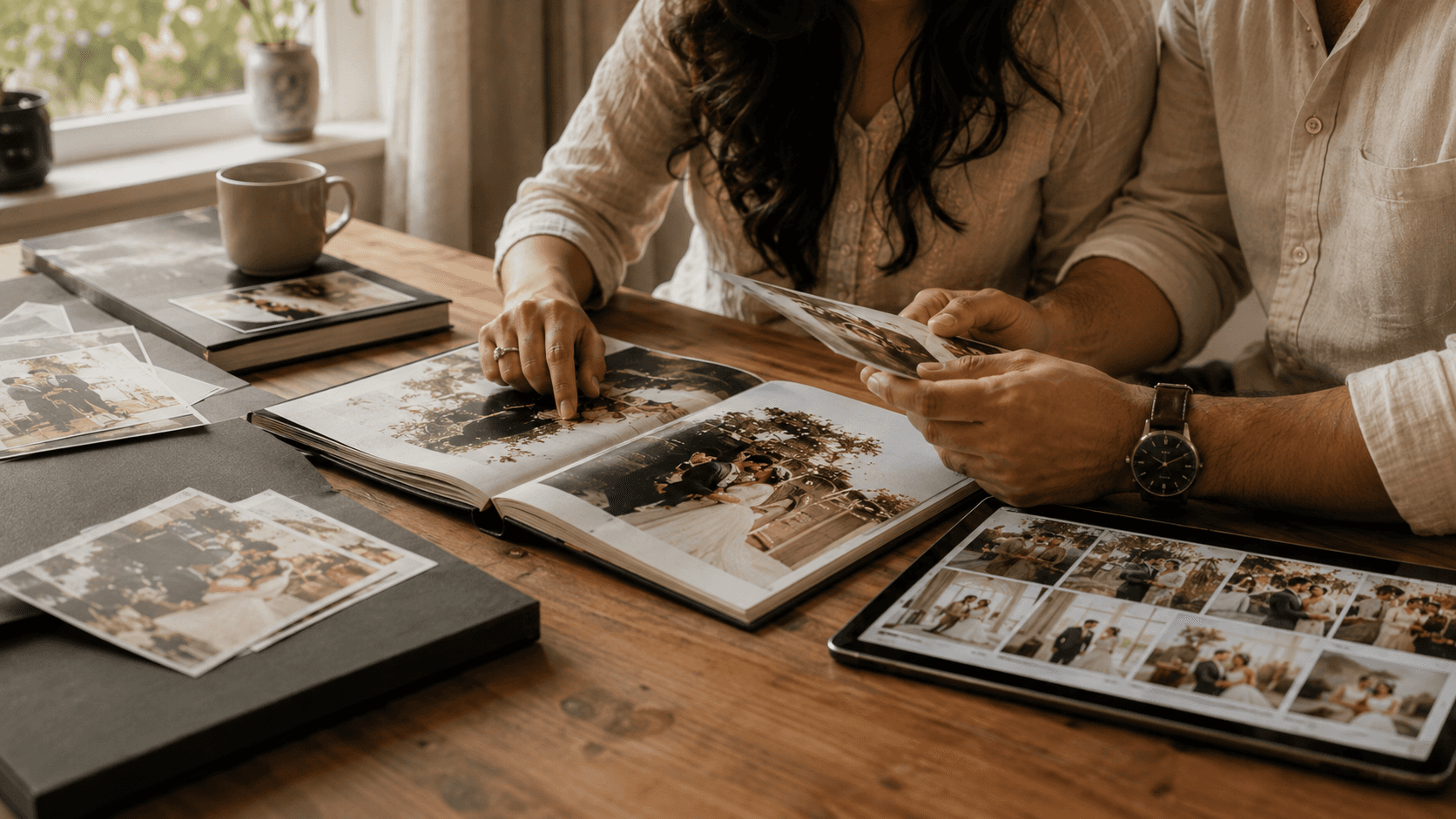
We also wanted to make the next step easier for couples and photographers.
Through the host login, couples can select the photos they want included in their physical album directly from the digital gallery. Instead of sending screenshots, filenames or separate lists back and forth, the photographer can see the selected photos and use them while preparing the album.
It is a small part of the overall experience, but it removes another unnecessary step. For us, good UX is not about adding as many features as possible.
It is about making the entire journey feel smoother, from the moment a guest scans the QR code to the moment a couple chooses the photos that will eventually go into their physical album.
Deliver photos to every guest — instantly.
Forever handles instant delivery, QR sharing, and face recognition — all in one place. Try it free.
Start for free →